Instagram Image Downloader
The fastest way to download photos from Instagram in original HD quality. Save Instagram photos, Instagram videos, Instagram reels, and Instagram stories to your device instantly with this image downloader.
Why Choose Our Instagram Post Downloader

Fast & Free Image Download
Download Instagram images instantly at no cost. This free Instagram photo downloader requires no registration or subscription fees.

Original HD Image Quality
Save Instagram photos and Instagram videos in their original resolution. Get the highest quality image files available from Instagram.

Easy Photo Download Process
Simply paste the Instagram URL and click download. Our image tool works on any device with a web browser to save ig photo content from Instagram.

Safe & Private Image Downloads
We never store your data or require login. Download pic from Instagram with complete privacy and security for every image.
How to Save an Image from Instagram
Follow these simple steps to download posts and save any photo, video, or image file
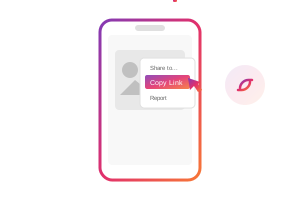
Copy the Post URL
Open Instagram and find the post with the image you want. Tap the three dots menu and select 'Copy Link' to get the post URL.
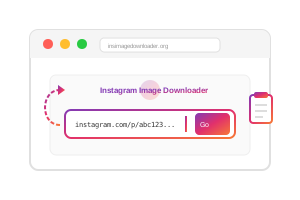
Paste Link to Download Image
Return to our image downloader and paste the copied link into the input field above to process the post.
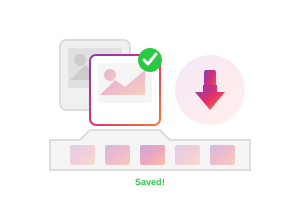
Save Photos to Device
Click the Download button and save the photo, image, or video from the post directly to your device in original quality.
Download from Instagram - All Post Types
Our Instagram post downloader supports every type of content with just one click to save images and photos

Instagram Photos
Download single Instagram images in original HD quality from any public Instagram account

Instagram Videos
Save Instagram video content in high definition up to 1080p resolution

Reels
Download short-form vertical video content from Instagram Reels as image or video

Carousel Posts
Save multiple images, photos, or videos from a single Instagram carousel post

Instagram Stories
Download 24-hour Instagram story image and video content from public accounts

Instagram IGTV
Save long-form Instagram video content from IGTV
Why People Download Photos from Instagram
Discover common reasons users save Instagram post content with our image downloader

Save Precious Photo Memories
Keep photos and images from friends and family posts. Download images from Instagram before they disappear from your feed.

Backup Your Posts
Create local copies of your own Instagram post content as backup. Save ig photo collections and images in case you lose account access.

Collect Creative Image Inspiration
Save photos from Instagram posts for mood boards and design reference. Download posts that inspire your own creative projects with quality images.

Offline Image Viewing
Download Instagram videos and reels to watch later without internet. Save image and photo content from posts perfect for travel or commuting.

Share Post Images Across Platforms
Download pic from Instagram posts to share on other social media platforms or messaging apps with friends and family.
Download Content on Any Device
Access our Instagram image downloader from any device with a web browser - no app installation needed

Desktop Computers
Full Instagram image download experience on Windows, Mac, or Linux with easy file management for photos

Mobile Phones
Download Instagram photos and images directly to your iPhone or Android gallery

Tablets
Perfect for browsing Instagram and downloading image content from posts on iPad or Android tablets

All Web Browsers
Works in Chrome, Safari, Firefox, and Edge - no extension or app required to download images from posts
What is an Instagram Image Downloader?
An Instagram image downloader is an online tool that lets you download images of Instagram directly to your device. Unlike screenshots, our downloader preserves the original photo and image quality. This makes it the best way to save photos from posts permanently.
Instagram does not provide a built-in download feature for posts, which is why millions of users need tools to download from Instagram. Whether you want to save memories, backup your own post content, or collect creative inspiration, our post downloader makes saving images simple.
Our service works by processing the public Instagram URL you provide and extracting the media files from posts. The entire process takes seconds, and you receive the highest quality image version available. This is how to instagram photo download content efficiently.
 100% Free Forever
 Lightning Fast
 Unlimited Downloads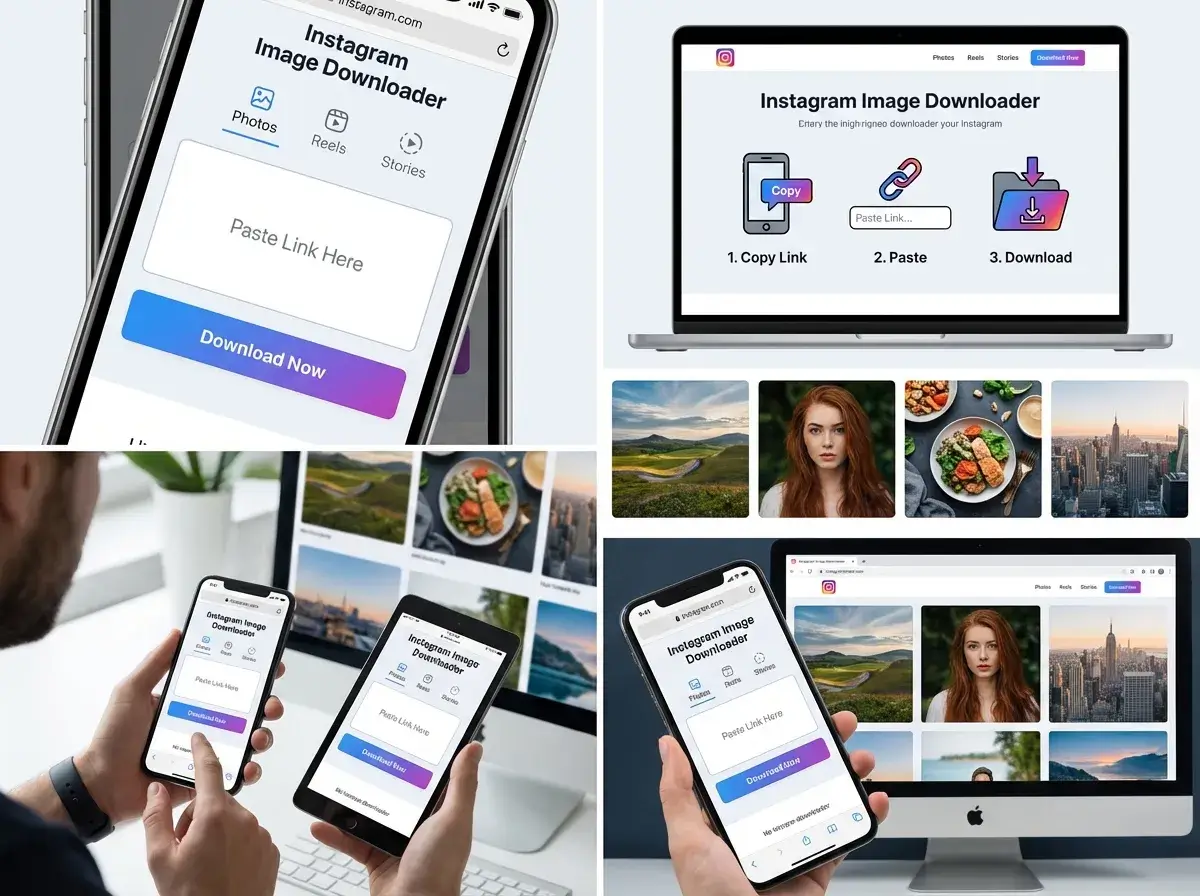
Complete Image Download Guide
Follow this detailed visual guide to download any Instagram image, photo, or video from posts in seconds
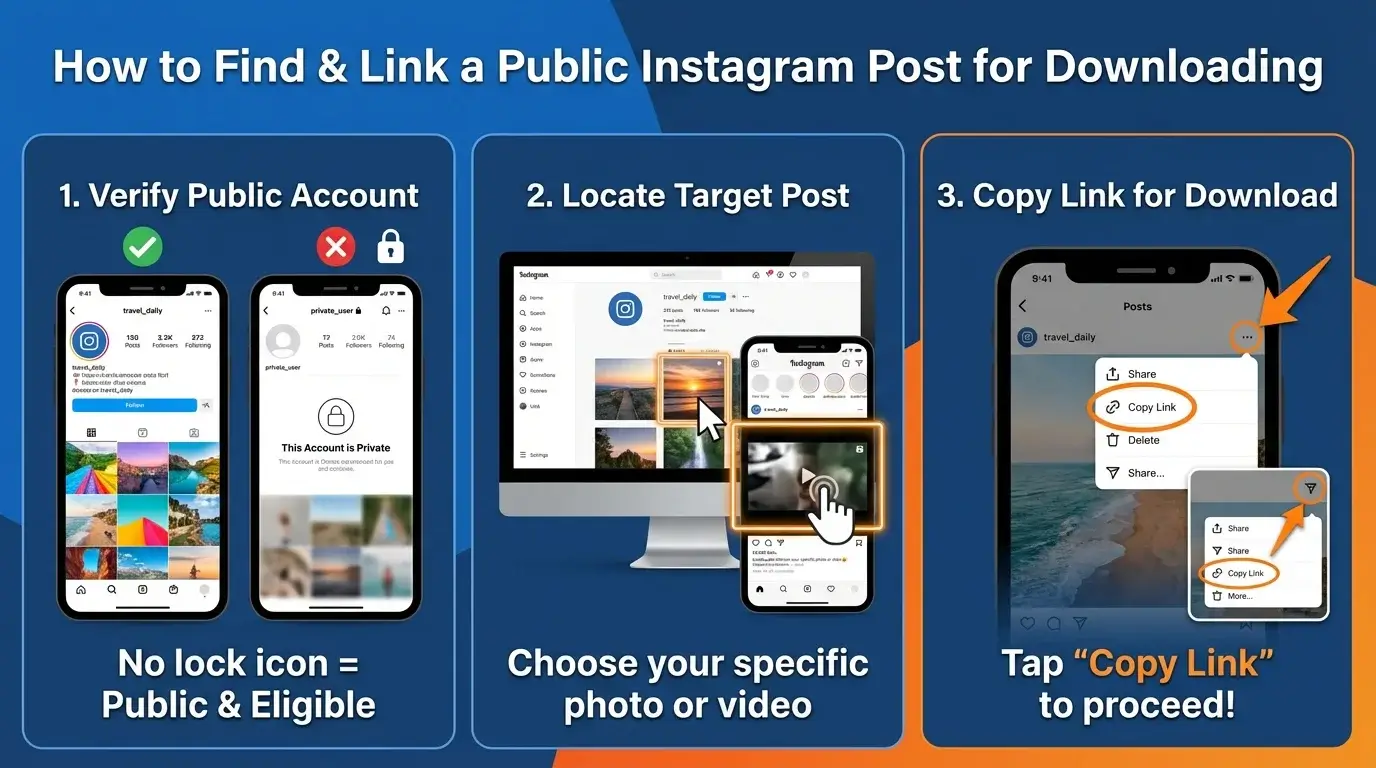
Find Your Instagram Post
Open the Instagram app or website and navigate to the photo, video, reel, or story post you want to download. Make sure the account is public.
 Pro tip: You can download from both the Instagram app and instagram.com in your browser to save any image from a post.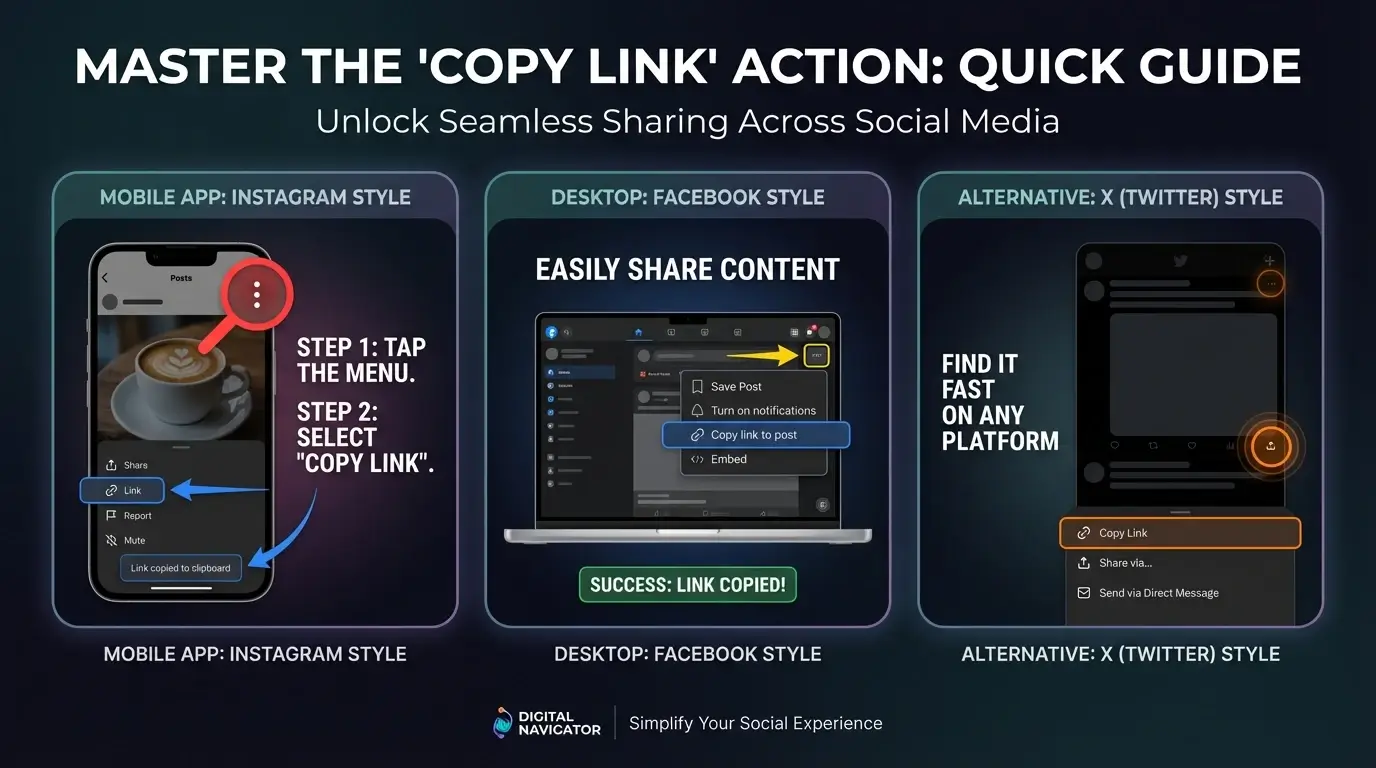
Copy the Post Link
Tap the three dots menu in the top right corner of the Instagram post and select 'Copy Link' from the menu options to get the image URL.
On desktop, you can copy the URL directly from your browser's address bar for any Instagram post with images.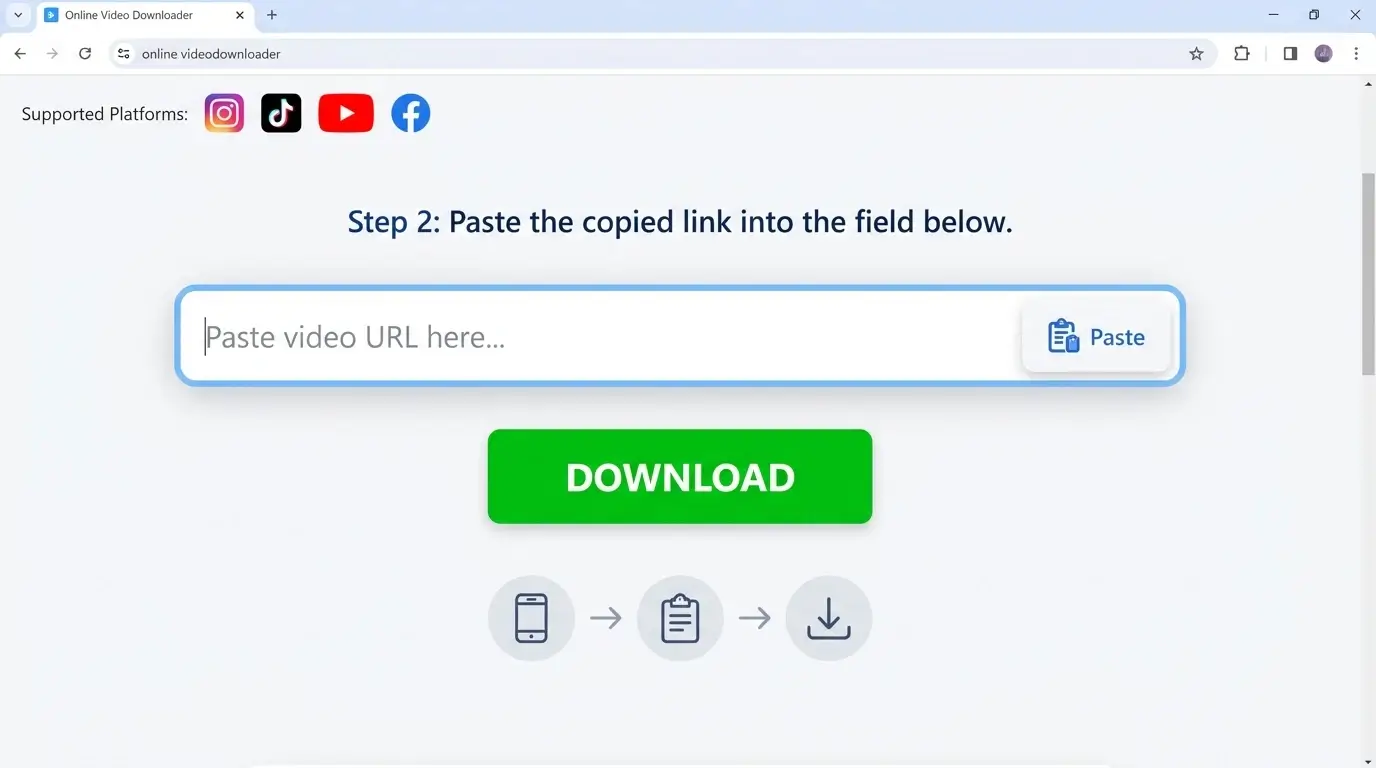
Paste URL to Download Image
Return to our Instagram image downloader and paste the copied link into the input field. Click 'Paste' or use Ctrl+V (Cmd+V on Mac) for the post.
Our tool automatically detects content type - photos, images, videos, reels, or carousel posts.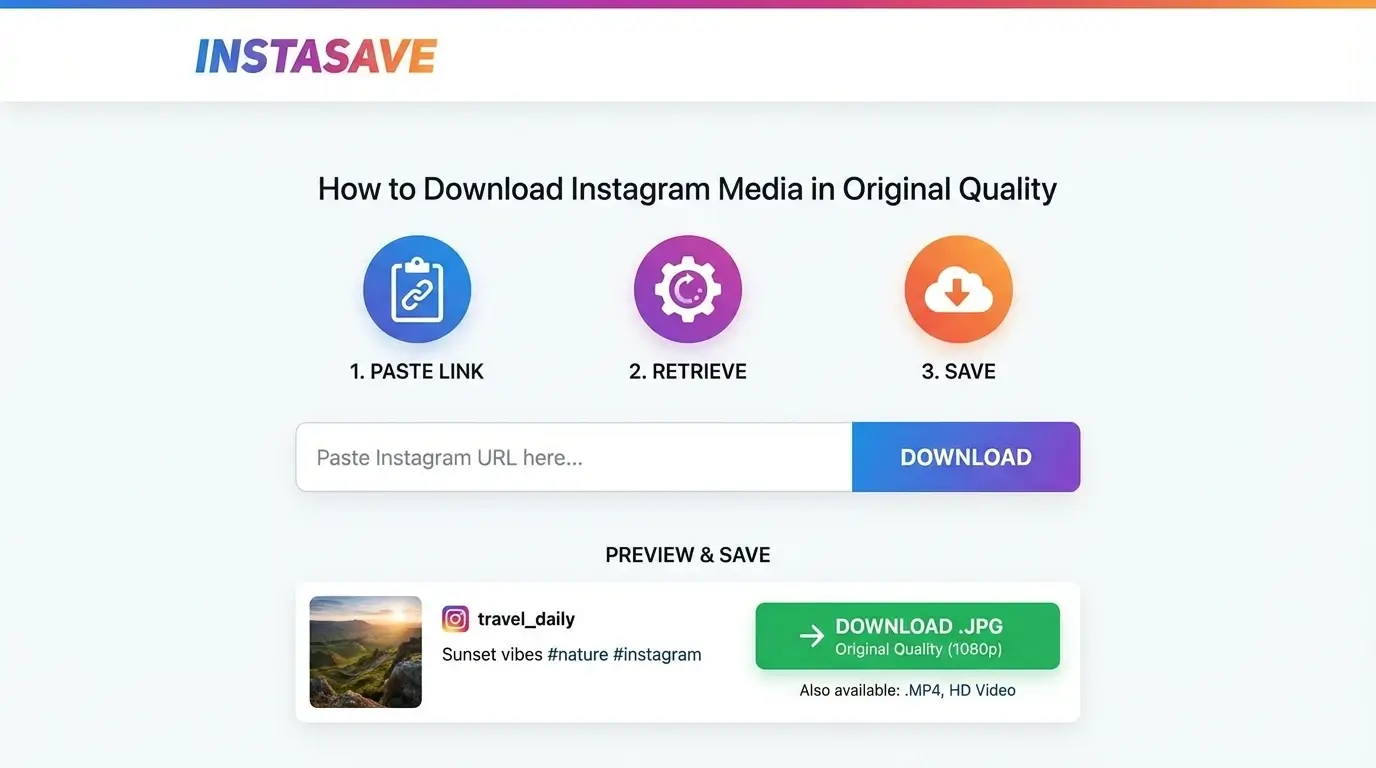
Download and Save Image Files
Click Download to fetch the Instagram post content. Preview the image, photo, or video, then save it directly to your device in original quality.
For carousel posts with multiple images, download all photos at once or select individual image files.Ready to download photos from Instagram posts? Try our free photo and image downloader now!
Start DownloadingTrusted Instagram Image Downloader Worldwide
Join millions of users who rely on our service to download photos and images from Instagram posts daily


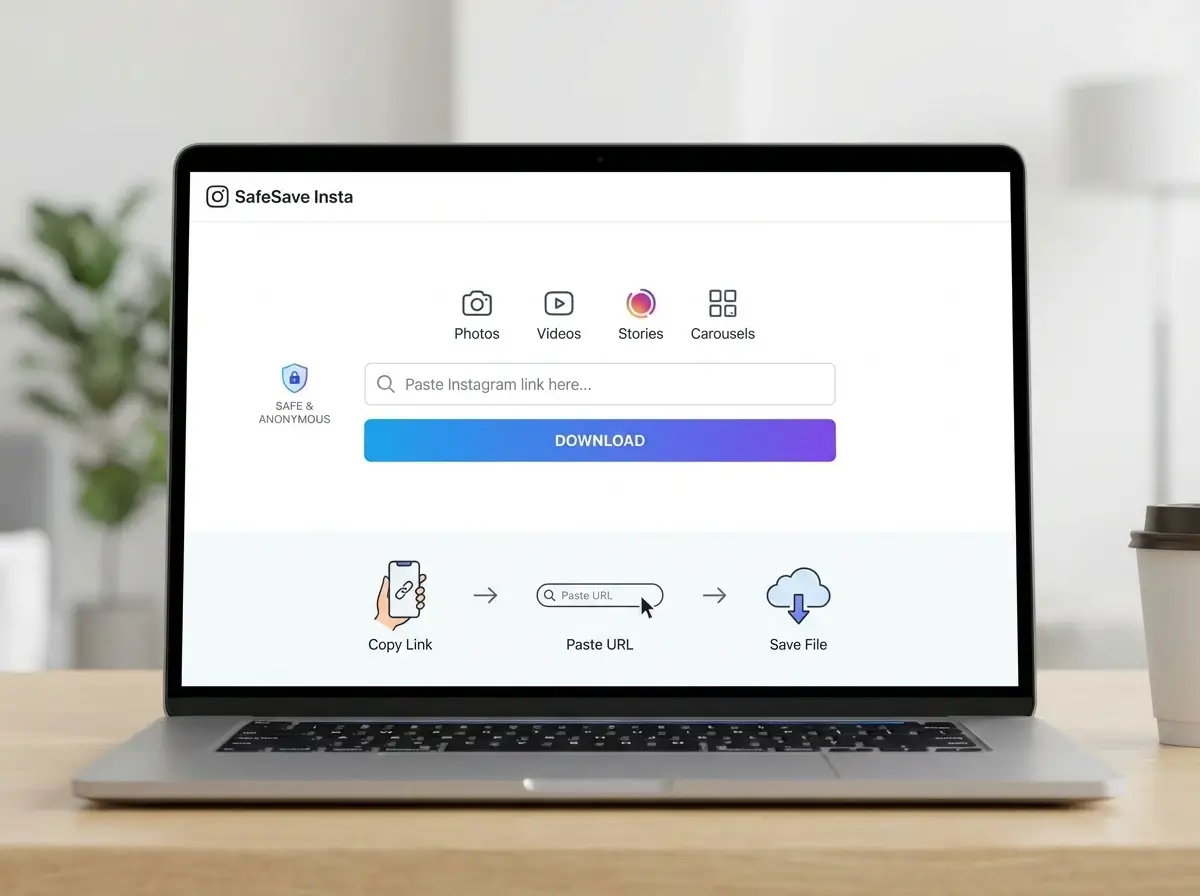
Safe Photo and Image Downloads
We built this Instagram image downloader with security and privacy at its core. No accounts required, no tracking, no concerns when saving post content.
 No Login Required
 No Data Stored
 HTTPS Encrypted
 No Download Tracking
 100% Anonymous
 Instant Data Deletion
Instagram Download Questions Answered
Find answers to common questions about using our Instagram post downloader for images and photos
Yes, our downloader is 100% free to use. There are no hidden fees, premium tiers, or download limits. Save as many photos and images from posts as you need.
Absolutely! Our service works on any device including iPhones, Android phones, tablets, and computers. Access our image downloader from any web browser to save photos.
Photos from posts are saved in JPG image format while videos download as MP4 files. These formats ensure maximum compatibility when you download images from Instagram.
Our Instagram downloader only works with public accounts. Private post content requires authentication that we do not support for privacy reasons when saving images.
Yes, downloading images is completely safe. We do not store personal information or require account access. Your privacy remains protected when saving any image from a post.
Yes! Our image downloader supports Reels, regular posts, carousel posts with multiple images and photos, Stories from public accounts, and IGTV videos.